
OpenCowork
Open Source Desktop AI Assistant



⚠️ Risk Notice
OpenCowork allows AI to operate on local file systems and terminals. Please note:
- AI may accidentally delete files or execute incorrect commands
- Prompt injection risks may exist
- AI can read all files within authorized directories
Recommendations: Only authorize necessary directories, backup data regularly, review operation requests.
Disclaimer: This software is provided "as-is" for learning and development purposes only. Developers are not liable for any losses caused by using this software.
Introduction
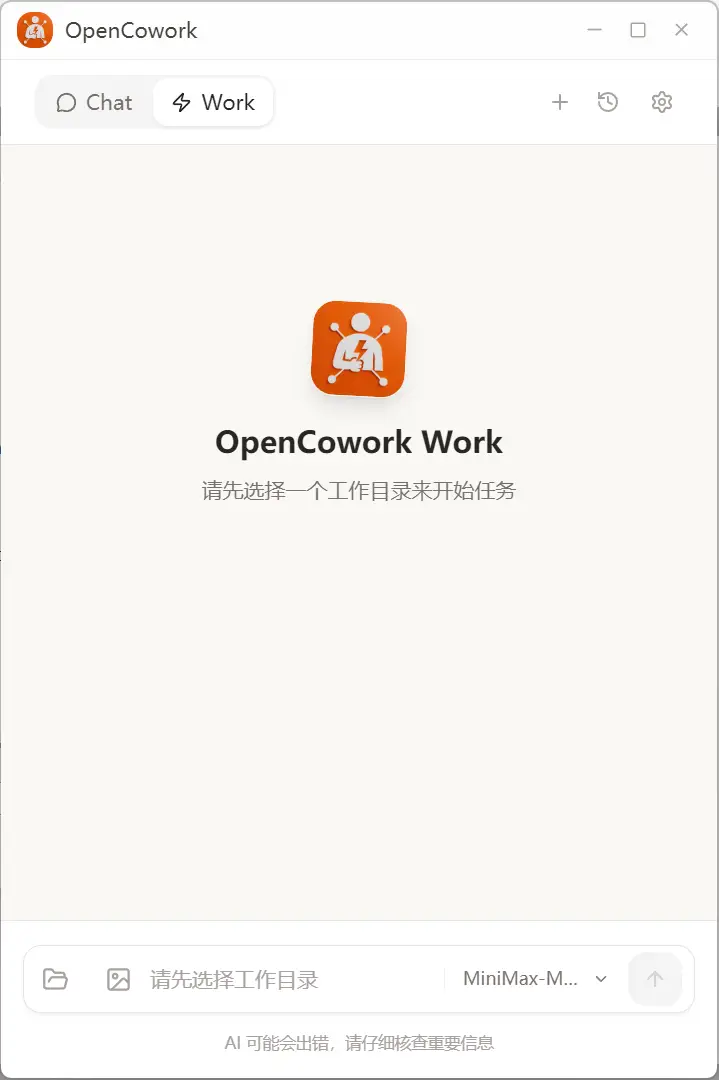
OpenCowork is the open-source edition of Cowork, turning your PC into an AI-powered work assistant.
Supports any Agent-capable model (MiniMax, Claude, GPT, etc.) with no vendor lock-in.
Key Features
- Model Agnostic — Works with various Agent models
- File Operations — Read, write, create, and modify local files
- Terminal Control — Execute command-line operations
- Multi-Session — Manage multiple conversation contexts simultaneously
- Skill Extensions — Extend via Skills and MCP Protocol
- Cross-Platform — Windows, macOS, Linux
Core Features
Skills System
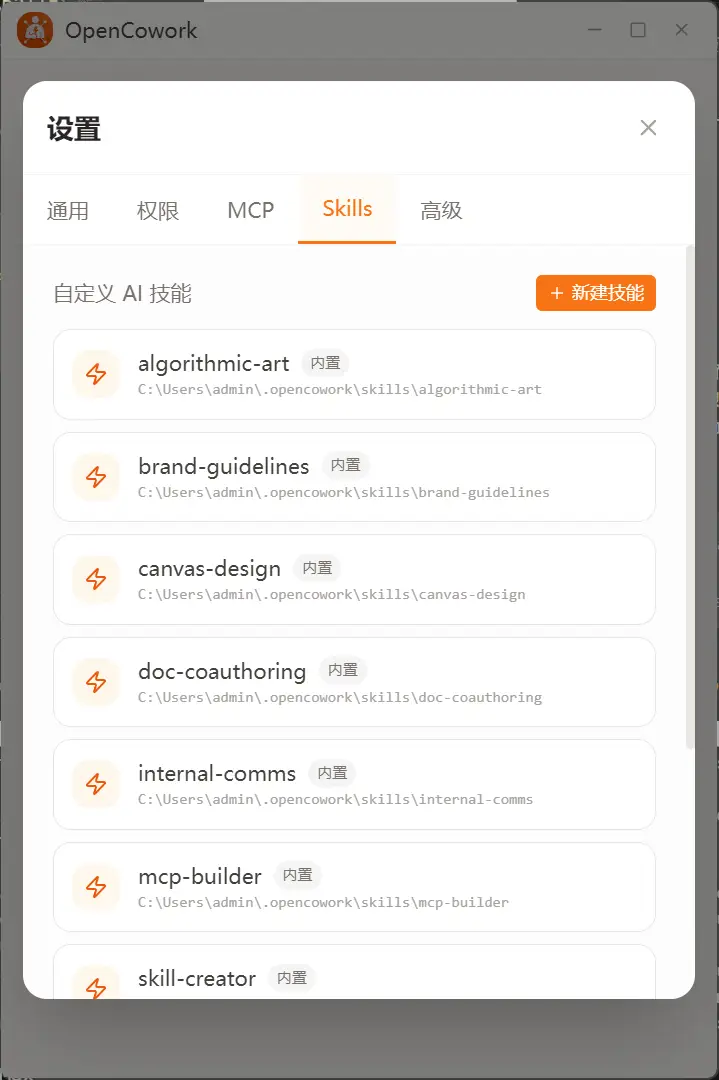
Built-in 11 Skills and 10 MCP Services (featuring Coding Plan services from MiniMax, Zhipu, etc.), enabling advanced capabilities like Web Search, Web Reader, and Image Understanding out of the box.
Works with ClaudeCode compatible interfaces (e.g., Anthropic format) rather than standard OpenAI SDKs.
Fully extensible via standard MCP Protocol and custom Skills.
Floating Ball
Quick access via Alt+Space hotkey (customizable in Settings). Now with enhanced UI, smoother animations, and optimized performance.

Partners
Special thanks to our partners for their support:
| MiniMax (CN) | MiniMax (Intl) | Zhipu AI | ZAI (Intl) |
|---|---|---|---|
 | |  |  |
 |  |  |  |
🤝 We welcome partnerships with AI model providers to advance the Agent ecosystem together. Contact Us
Installation
⚠️ macOS Users - Important Notice
The app may show as "damaged" on first launch
Why: macOS blocks unsigned apps from the internet. This app is not signed with an official Apple developer certificate (requires paid account).
Solutions (choose one):
Method 1: Right-click to Open (Recommended)
Right-click OpenCowork.app → Select "Open" → Click "Open"
Method 2: System Settings
System Settings → Privacy & Security → Click "Open Anyway"
Method 3: Command Line (if already installed)
sudo xattr -rd com.apple.quarantine /Applications/OpenCowork.app
Safety Guarantee: The app is completely safe and open-source:
- View source code: github.com/Safphere/opencowork
- Build it yourself:
bun install && npm run build- Join our community to ask other users
Windows and Linux
Simply download and install the appropriate package for your platform.
Documentation
About Us


Copyright © 2024 Safphere · Apache License 2.0